You have a WordPress site, it works well and the job seems done. But a website is like a car: if nobody services it, one day it will not start. In this article we explain what WordPress maintenance is, why it is needed, what exactly it includes and what its price depends on, in plain language, without developer jargon.
Why a WordPress site needs maintenance
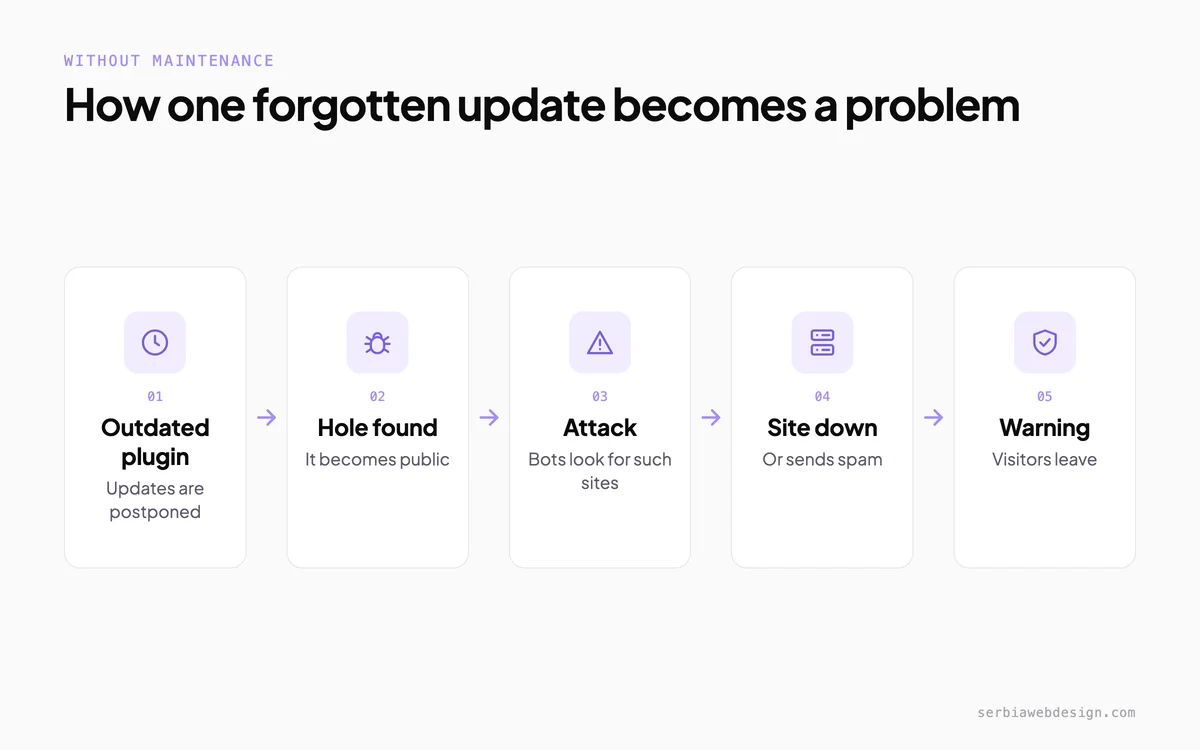
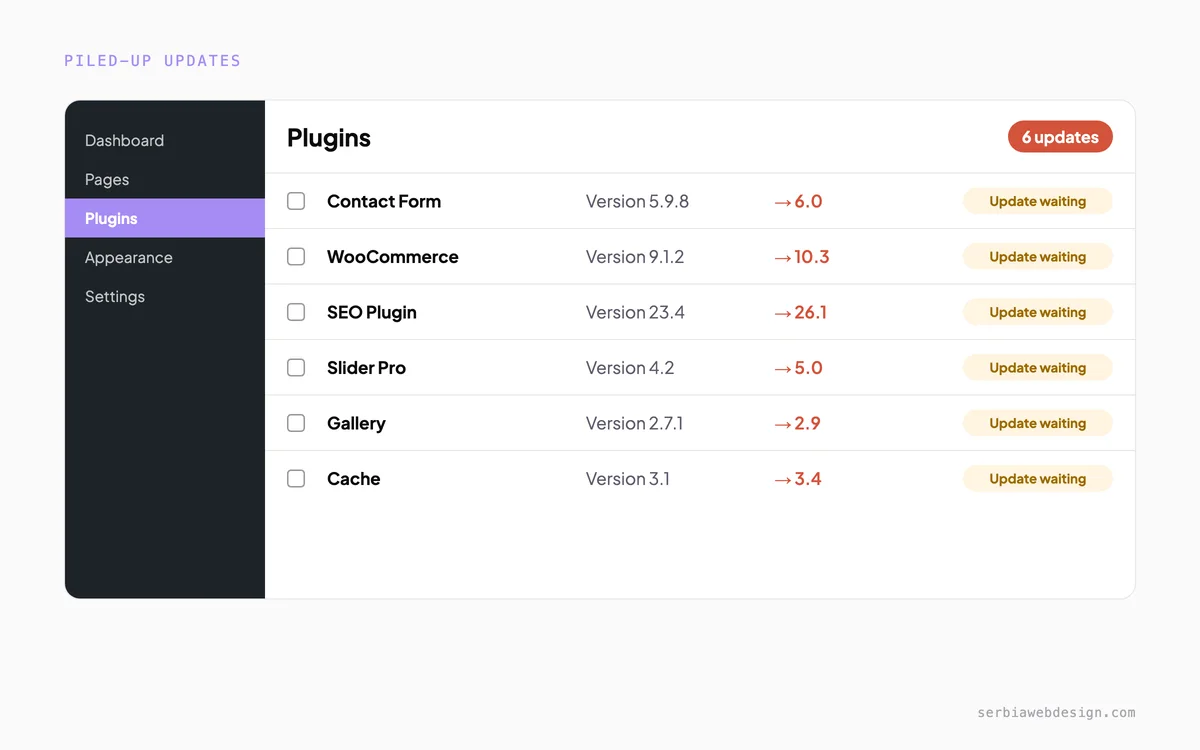
WordPress, themes and plugins get new versions several times a year. New versions bring bug fixes and, most importantly, patches for security holes. When a hole is discovered, information about it becomes public, and attackers automatically look for sites that have not been updated yet.
An update replaces an old part of the software with a newer version, just like updating the apps on your phone.
A backup is a complete copy of the site and its database, kept somewhere safe, from which the site can be restored if something goes wrong.
A plugin is a small program that adds a feature to WordPress. Most security problems in the WordPress world are found in plugins, not in WordPress itself.
What maintenance includes
Good maintenance is not just clicking "Update all". It is regular work repeated every month:
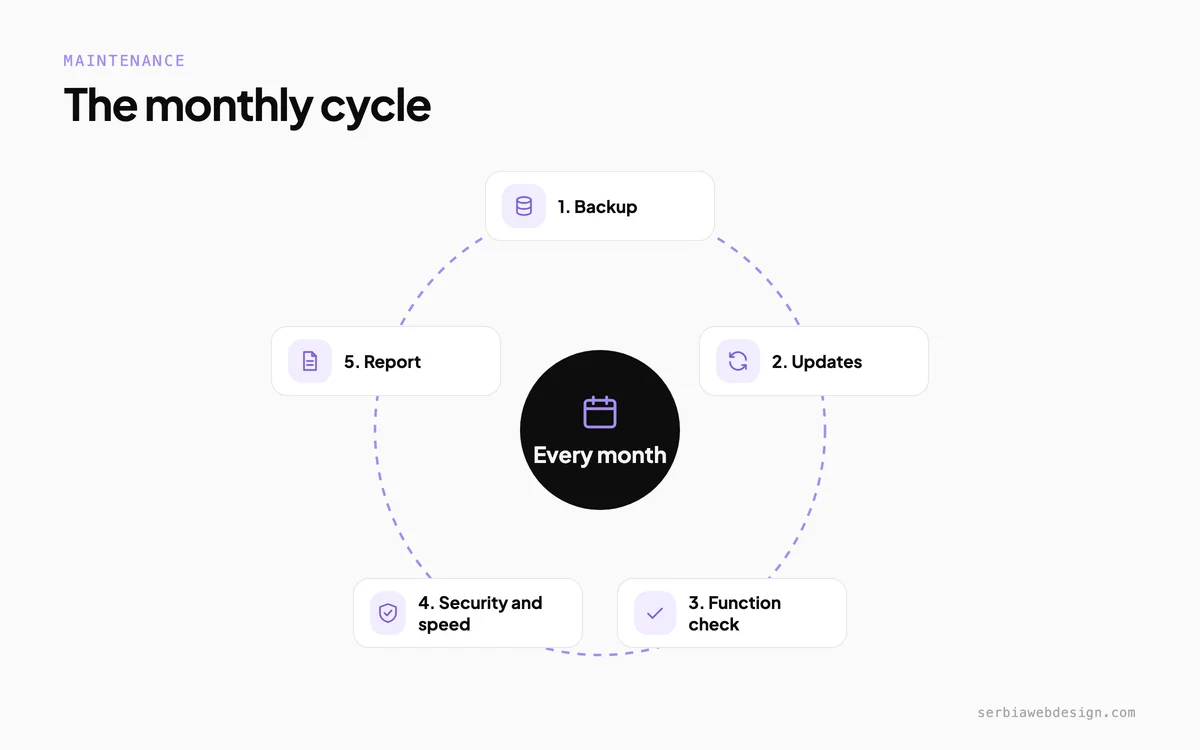
- A backup before every change, so the site can be restored if an update breaks something.
- Updating WordPress, the theme and plugins.
- Checking after updates: do the contact form, cart, payments and the phone layout still work?
- Uptime monitoring: is the site reachable for visitors at all?
- Security: checking for malicious code and that the admin area is well protected.
- Speed: a periodic check that the site has not slowed down.
- A short report on what was done.
Backups: the 3-2-1 rule
A backup that sits only on the same server as the site is not real protection. If the server fails or is attacked, both the site and the copy are gone. That is why a simple rule is used:
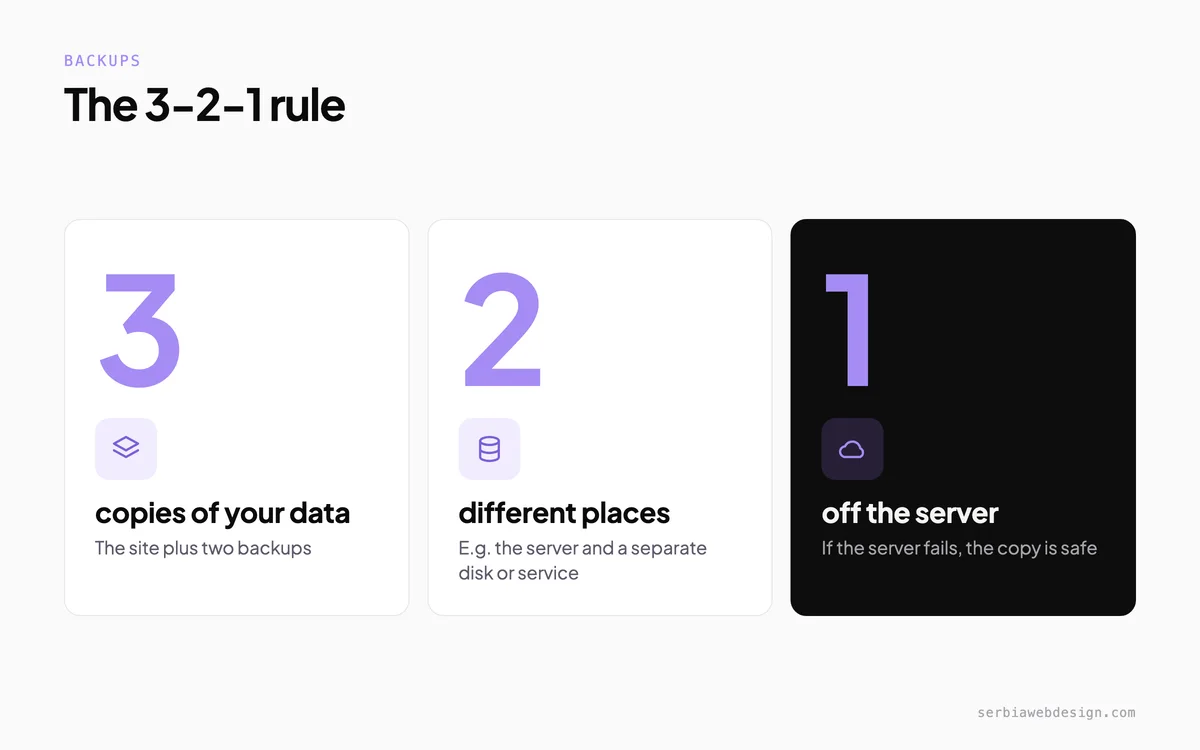
- 3 copies of the data (the site plus two backups),
- in 2 different places,
- 1 of them off the server the site runs on.
What the price of maintenance depends on
Maintenance does not cost the same for every site, and that is fine. It depends on:
- The kind of site: a business site with a few pages is much simpler than a store with thousands of products and card payments.
- The number of plugins: each one has to be updated and checked.
- Frequency: whether updates are done once a month or more often, and how often backups are made.
- Content changes: whether maintenance also includes adding your texts, products and images.
- The state of the site: a site that has not been updated for years has to be cleaned up first, before regular maintenance.
Yourself or with an agency?
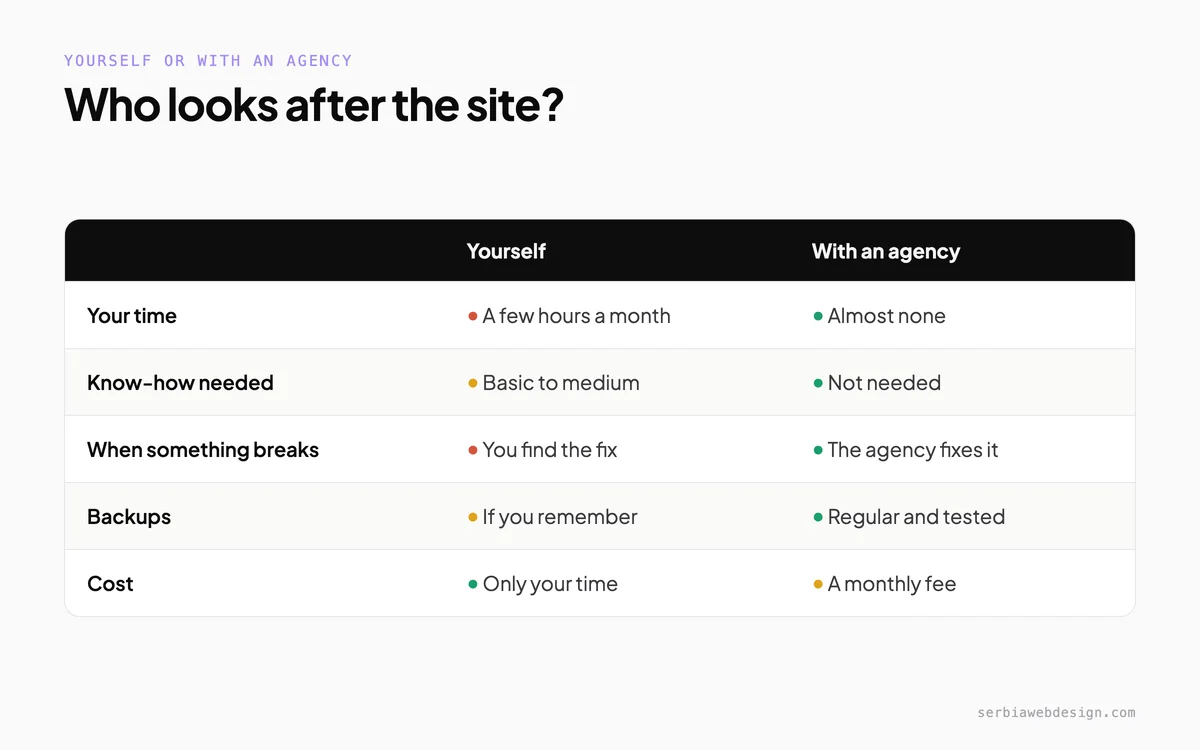
You can do maintenance yourself if you have the time and know what to do when something breaks after an update. For most business owners, though, it is work that takes time away from their real job. With an agency you pay for peace of mind: someone else makes sure the site works while you look after your clients.
If you maintain the site yourself, at least stick to this: a backup before every update, updates once a month, delete plugins you do not use, and a strong password for the admin area.
In short
WordPress maintenance means regularly looking after updates, backups and security. The price depends on the kind and size of the site, the number of plugins and what you want included. Maintaining a site is much cheaper than fixing a hacked one or building a new one.
See what our website maintenance includes, or send us your site's address through the contact page for a free review and quote.